Download document () of 20
 Send email
Download
You have exceeded the download limit
Home office battery backup is an essential component of the work from home environment - this desktop UPS buying guide will help break down what you need to ensure your equipment stay protected and up and running.
Ensuring that critical home and small office applications are safeguarded by an uninterruptible power system (UPS) has never been more important. With a record number of telecommuters, coupled with widespread online learning for both lower- and higher-ed students, many utility companies are struggling to support the proliferation of power-hungry devices in homes. As a result, electronic equipment is more vulnerable than ever to harmful surges and power cuts.
A UPS with surge protection is one of the most simple, cost-effective investments to prevent data loss and equipment damage during a blackout or surge, seamlessly switching to battery and continuing to power connected equipment until the issue is resolved or you’re able to safely shut down devices.
To help you hone in on the optimal UPS solution for your home or small office, we’ve compiled the following 9 buying tips:
Even the most brief surge or loss of electricity can be catastrophic to sensitive electronic equipment in home and small office environments, with sudden shutdowns capable of corrupting files and damaging or destroying home devices. But it’s not just your PCs, routers, modems, small servers, switches and storage devices that need protection. Desktop UPSs aren’t all work and no play; battery backup is also ideal to safeguard numerous other home devices including TVs, gaming consoles, home theater solutions, security systems and household medical equipment such as CPAP machines for sleep apnea.
A small, inexpensive desktop UPS can keep home Wi-Fi and internet systems online during short outages or brownouts, while more advanced battery backup models can enable home office equipment and workstations to remain operational during business hours ─ or at least long enough to save work-in-progress and safely shut down. The same applies to video consoles, so gamers don’t surrender their hard-fought progress.
Different UPS topologies provide varying degrees of protection against power problems. Choosing the best UPS for home or office use depends on your budget, equipment and environment. Standby and line-interactive UPS systems will properly support and protect desktop and small-office/home-office (SOHO) applications.
Standby or offline UPSs allow equipment to run off utility power while providing surge protection and switches to battery mode during voltage sags or outages, making it ideal for equipment such as LCD monitors, docking stations, modems and routers.
Line-interactive UPSs regulate voltage by boosting or decreasing utility voltage as needed before allowing it to pass to the protected equipment, making it suitable for high-end PCs and other valuable, sensitive electronics in areas with unstable power or frequent storms.
Bottom line:

The table below compares standby and line-interactive UPS topolgies, highlighting their key differences in protection levels, suitable equipment and typical use cases.
| Category | Standby UPS | Line-interactive UPS |
| When to use | Best for basic protection in stable power environments with occasional outages | Ideal for environments with frequent voltage fluctuations, brownouts, or inconsistent power |
| Voltage regulation | No active voltage regulation; switches to battery during outages | Automatically regulates voltage (boosts or trims) without switching to battery |
| Suitable equipment | Modems, routers, monitors, basic home office setups | Workstations, NAS devices, small servers, and sensitive electronics with active PFC power supplies |
| Noise level | Typically silent (no fan in most models) | Slightly higher; may include fan depending on model and load |
| Eaton models | Tripp Lite series cloud-connected UPS, Standby UPS | Eaton 5S, Eaton 5SC series, Tripp Lite series cloud-connected UPS, OMNI AVR UPS |

A UPS must support the total maximum wattage rating for each piece of equipment you want to connect to prevent overload during an outage. Refer to the nameplate or manufacturer's documentation for each device to find its wattage or refer to Eaton's UPS selector that is loaded with wattage ratings for various equipment and can help calculate the maximum capacity.
Most home and office UPSs are rated between 300 to 1,500 VA and designed to fit standard household outlets. While a UPS is rated in both volt-amperes (VA) and watts, the watts measurement is the key rating because it represents the amount of real power available. It's important to understand the relationship between watts and VA to correctly size an uninterruptible power system.
To leave a margin for error and fluctuating power demands during operation, select a UPS with an output capacity (VA) rating 20% higher than the estimated power requirements of your connected equipment. Also consider whether you want to leave room for future expansion. Visit our battery runtimes page to see how wattage affects each UPS models’ runtime.
Helpful hint #1
Never plug a laser printer into a UPS. The resulting low-voltage conditions can cause the unit to transfer to battery repeatedly, prematurely exhausting its battery. However, you can plug in laser printers to a UPS if it has surge-only output receptacles.
Helpful hint #2
For home and office applications in North America, nominal AC input and output voltages are typically 120V. Line-interactive UPS models such as the Eaton 5SC and Tripp Lite series cloud-connected UPS provide voltage regulation to protect connected equipment.
Helpful hint #3
Never load a UPS at more than 80% of its capacity. This will provide a cushion if you reach peak conditions, as well as account for normal battery degradation, which occurs over time.

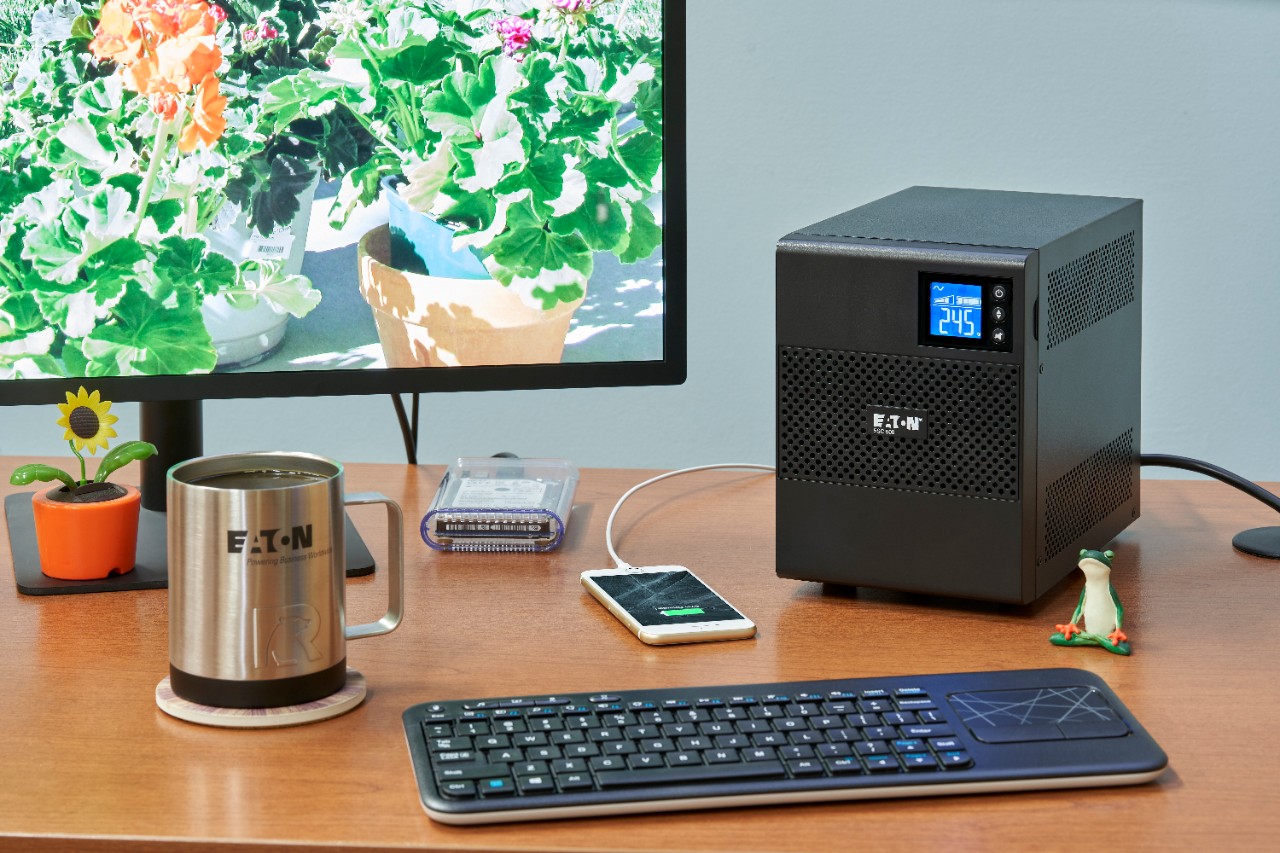
Ready to safeguard your home and small office applications with an Eaton UPS?

Helpful hint #4
Never plug a surge protector into a UPS. This is a fire hazard and is typically prohibited by local fire codes.
Helpful hint #5
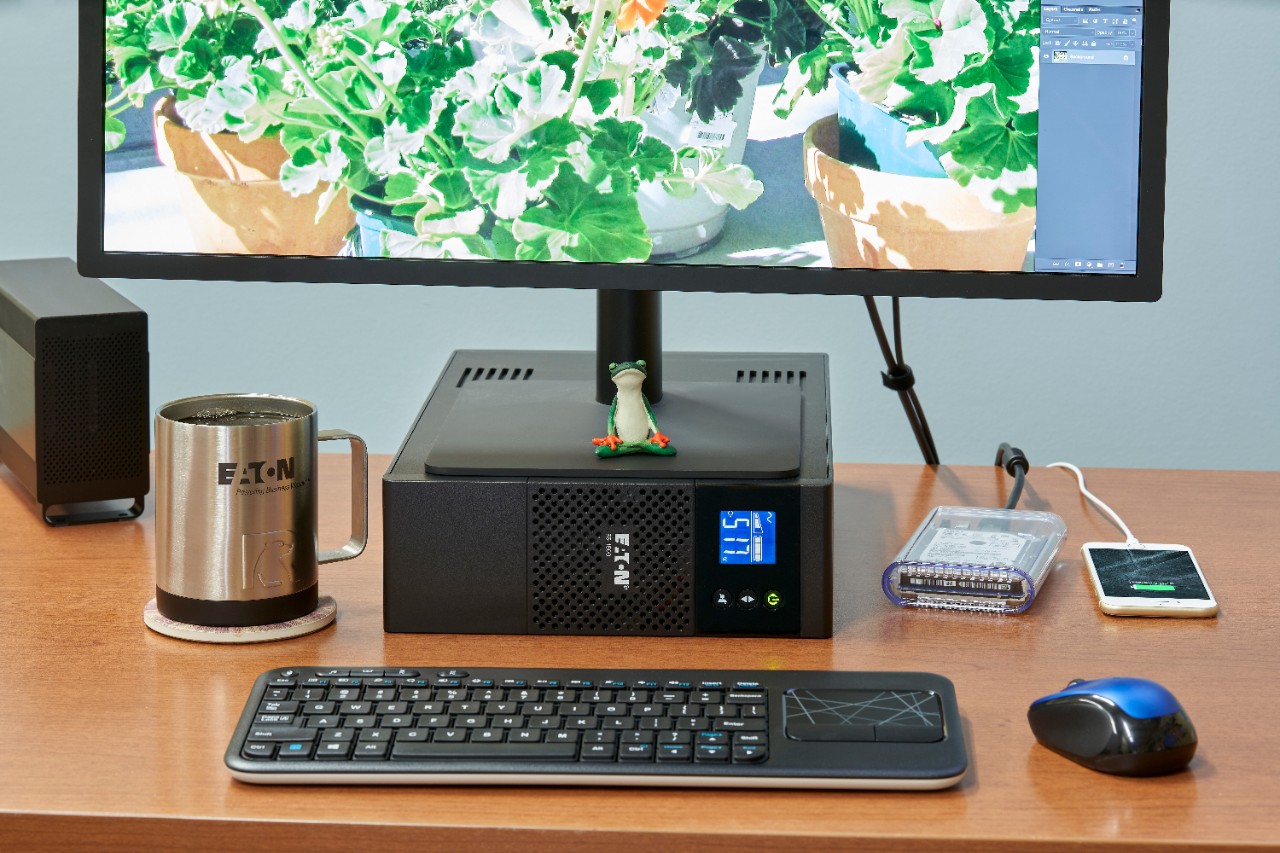
Excess heat can significantly reduce battery service life, so make sure your UPS has clearance to properly ventilate.
Helpful hint #6
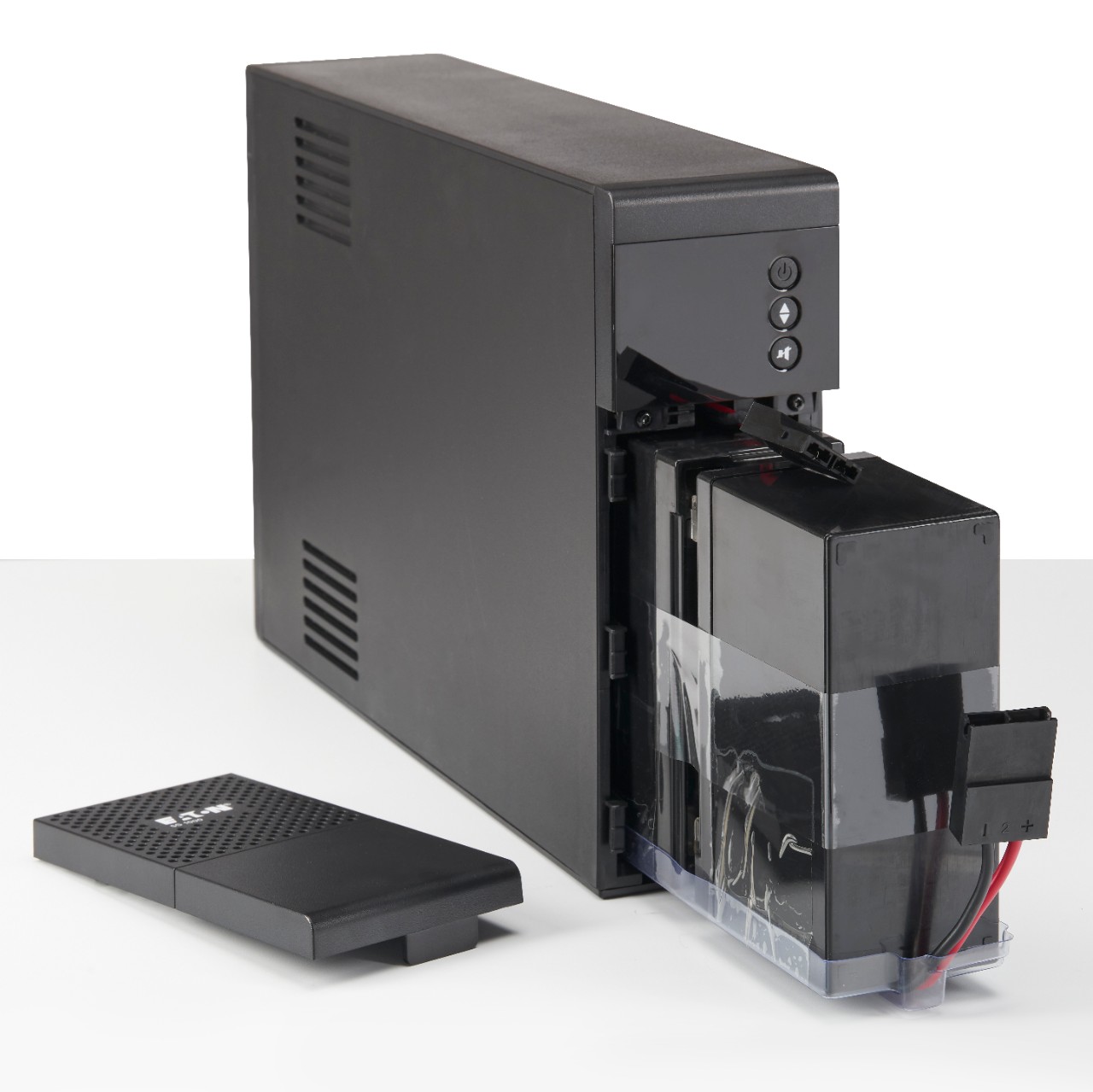
There’s a difference between hot-swappable and user-replaceable batteries. Hot-swappable batteries can be changed out while the UPS is running, and user-replaceable batteries─which tend to be found in smaller UPSs─require no special tools or training. Batteries can be both hot-swappable and user-replaceable.

To stay ahead of evolving cybersecurity threats, it is essential to update firmware on all UPSs and PDUs. Read more about our stance on cybersecurity.

I use this UPS to protect both my personal PC and a server. Just yesterday, there was an unexpected power surge, and thankfully, the UPS performed exactly as needed safeguarding my equipment without any issues. I'm very satisfied with its reliability.
I have multiples of these units within my "Home/Business" network on every system that is an essential part of 24/7 "Up Time." They have been keeping my systems functioning for decades in this "Less Than Dependable" power grid of rural Pennsylvania.
Yes— Eaton's desktop UPS systems are commonly used to protect home servers and NAS devices. They provide reliable short-term backup power, helping prevent sudden shutdowns, data corruption and hardware damage during outages.
Many Eaton UPS models support USB/network communication, allowing your NAS or server to automatically shut down gracefully when battery is low.
Real power (measured in watts) is the portion of power flow that results in the consumption of energy. The energy consumed is related to the resistance in an electrical circuit. An example of consumed energy is the filament in a light bulb. Reactive power (measured in VAR or volt-amps reactive) is the portion of power flow due to stored energy. Stored energy is related to the presence of inductance and/or capacitance in an electrical circuit. An example of stored energy is a charged flash bulb in a camera.
UPS battery backup are given a power rating in volt-amperes (VA) that range from 300 VA to 5,000 kVA. This rating represents the maximum load that a UPS can support, but it shouldn’t match exactly the power load you have. To allow room for growth, the best practice is to choose a battery back up with a VA rating that is 1.2x the total load you need it to support.
We know you have many brands to choose from. On the surface, they may all seem alike. It's what you don't see that makes the difference. With Eaton, you get solid engineering, proven reliability and exceptional customer service. All our products undergo rigorous quality control before they are offered for sale, and independent testing agencies verify our products meet or exceed the latest safety and performance standards. Our commitment to quality allows us to back our products with industry-leading warranties and responsive customer service. It's the Eaton difference.

 MyEatonFAQs


